Software Development
June 2026
Custom Software vs Off-the-Shelf Solutions: Which Is Right for Your Business?
Understand which solution best fits your business goals and growth plans.
Introduction
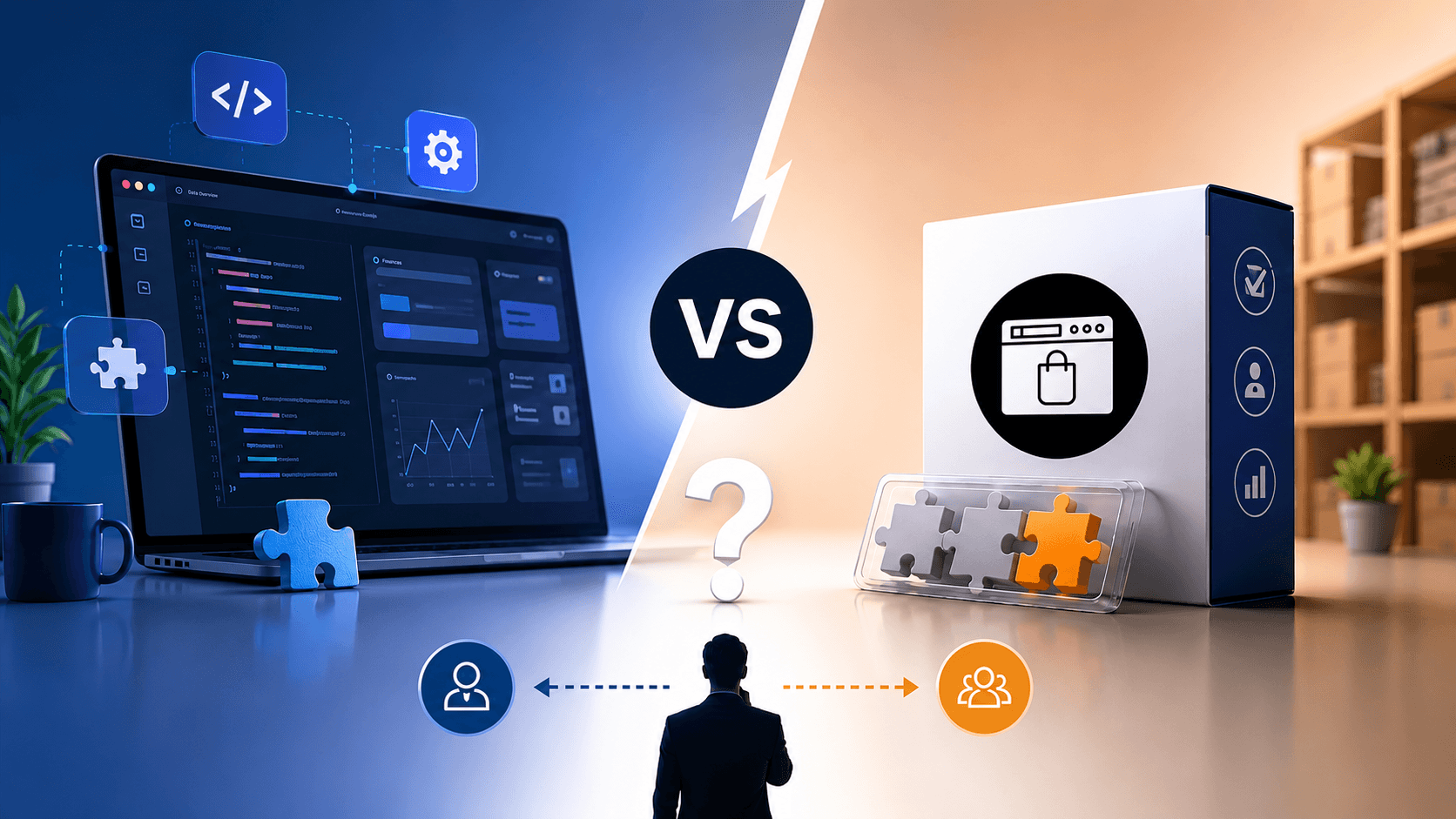
Choosing between building custom software and buying off-the-shelf (OTS) solutions is a critical decision for businesses. Off-the-shelf (or SaaS) products are pre-built for broad use and can often be deployed quickly at a lower up-front cost. Custom software, by contrast, is developed from scratch to meet a company’s specific requirements. Each approach has trade-offs in cost, time-to-market, flexibility, scalability, and security. This article explains both options, compares their pros and cons (with an easy table), and provides a framework of questions to help decide which is right for your business.
Quick Takeaways:
Off-the-shelf software is ready-made (low initial cost, fast to deploy) but may lack features you need and incur hidden costs over time.
Custom software requires more time and budget upfront, but is fully tailored to your needs and can scale with your business.
Decision factors: Consider your exact requirements, budget, timeline, and resources. For unique workflows and long-term growth, custom often wins; for standard needs or urgent timelines, off-the-shelf may suffice.
What Is Off-the-Shelf Software?
Off-the-shelf software (also called commercial software or SaaS) is a ready-made solution sold to many customers. It typically comes as a packaged product (e.g. a CRM, accounting system, or productivity suite) that you can license or subscribe to. Because it’s pre-built, off-the-shelf software is quick to install and usually familiar to users. Common examples include Microsoft 365, Salesforce, SAP, and e-commerce platforms. The vendor maintains the product, providing updates, support, and security patches.
What Is Custom Software?
Custom software (also called bespoke software) is built from the ground up to meet the unique needs of one organization. It is designed around your specific workflows, processes, and requirements, rather than forcing your business to adapt to a generic product. This can include a custom web application, mobile app, database system, or any specialized tool. Custom software often involves a discovery phase to define requirements, followed by design, development, and testing. The result is exclusive to your company, giving you full ownership of the code and ultimate flexibility.
Pros & Cons of Each Option
Off-the-Shelf Software:
Pros: Lower initial cost (cost spread across many users). Fast deployment and immediate availability. Proven, reliable solutions tested by many users. Vendor-managed updates, support, and (often) built-in compliance for common standards.
Cons: Limited customization – you often have to adapt your business processes to fit the software. Feature bloat or missing features – you may pay for unused functions, and gaps may require workarounds. Integration issues – third-party software may not fit your existing systems, leading to extra implementation costs. Ongoing costs – recurring licenses/subscriptions, per-user fees, and annual price increases can raise total cost of ownership over time. Potential vendor lock-in – limited control over roadmap and data portability, with switching costs if you outgrow the solution.
Custom Software:
Pros: Fully tailored to your needs – every feature and interface is built for your exact requirements. Greater flexibility and scalability – you control the design, so the system can grow or change as your business does. Competitive advantage – unique functionality can set you apart from competitors. Enhanced security and compliance – custom solutions can incorporate strong security measures and industry-specific compliance from the start. Ownership & control – you own the code and data, avoiding vendor lock-in.
Cons: Higher upfront cost and longer development time – building from scratch requires significant investment and can take months to over a year. Ongoing maintenance – you’ll need dedicated support (internal or via a dev partner) for bug fixes, updates, and scaling. Dependency on developers – fewer third-party resources and potential challenges if your development team is unavailable. Risk of scope creep and complexity – without careful management, features can expand and delay the project.
Cost Comparison
Cost is often the headline consideration. Off-the-shelf solutions generally have a lower initial price tag (sometimes as little as a few thousand dollars) and clear subscription/licensing fees. Custom software projects typically start in the tens or hundreds of thousands of dollars, depending on scope.
However, total cost of ownership (TCO) can flip the picture. Off-the-shelf products incur ongoing costs: license renewals (often 20–25% of the purchase price annually), charges for additional users or features, and possibly integration or customization fees. For example, one analysis found off-the-shelf license and integration costs can add ~40% over the initial purchase. SaaS prices also tend to rise (around 8–12% per year on average).
Custom software has higher upfront costs (often $100k+) but avoids per-user license fees and recurring vendor costs. Annual maintenance is still needed (industry rule-of-thumb is ~15–25% of initial cost per year) but the system remains under your control. Over a 5–10 year horizon, custom solutions can prove more economical if they eliminate redundant licensing and precisely fit your processes.
Scalability & Maintenance
Off-the-shelf software offers some scaling (e.g. adding user licenses) but is inherently limited by its design. Adding new features or heavy user loads can trigger expensive add-ons or higher-tier plans. In contrast, custom software is built with your future needs in mind. You can plan architecture and infrastructure to handle growth (more users, data, markets) upfront, so scaling is predictable.
Maintenance-wise, off-the-shelf updates are on the vendor’s schedule. This is convenient, but you may get unwanted changes or forced upgrades. With custom software, you control the update cycle. You can prioritize patches and new features as needed. The trade-off is that custom software requires a maintenance plan (e.g. hiring a development team or retainer with the development partner). However, this can improve reliability: well-maintained custom systems can evolve rather than requiring full replacements as needs change.
Security & Compliance Considerations
Both approaches need attention to security and compliance. Off-the-shelf vendors often invest heavily in security for their broad user base, and popular products get patches quickly. But widespread adoption also makes them lucrative targets: a single vulnerability can affect many customers. You’re also trusting another company with your data (and hoping their infrastructure meets compliance standards like HIPAA or PCI if relevant). Research shows over 60% of SaaS apps have low security ratings, and unmanaged shadow-IT apps create compliance risks.
Custom software allows you to bake in security controls tailored to your data and regulations. You control where the code runs and how it’s maintained, potentially reducing third-party risk. However, custom projects must follow robust development practices (threat modeling, code review, encryption, etc.). Poorly built custom software can be insecure too. In short, off-the-shelf means “security as provided by vendor,” while custom means “security as built by your team (or partner).” Both require careful planning: vendor certifications (SOC 2, ISO) and SLAs for off-the-shelf, versus thorough development and maintenance processes for custom.
Decision Framework: 5 Key Questions
Do your needs already match an off-the-shelf product? Look for existing solutions that cover at least 60–70% of your requirements. If a vendor’s product fits well out of the box, it can save time and money. But if you need unique workflows, custom may be necessary.
How soon do you need it? Off-the-shelf software can be deployed almost immediately, which is ideal for urgent needs. Custom builds take longer (often months). If time-to-market is critical and your requirements aren’t highly specialized, OTS is likely better.
What is your budget (short-term vs long-term)? Calculate both upfront and ongoing costs. Off-the-shelf usually costs less initially, but may incur 20–40% extra (licenses, integrations, add-ons) over several years. Custom has a higher initial spend but can avoid per-user fees and eliminate wasted features. If your organization can afford a larger upfront investment and plans to use the software for many years, custom may pay off.
Do you have in-house expertise? Custom software requires a capable development team (or a trusted partner) to build and maintain it. Assess whether you have (or can hire) the technical skills needed. Off-the-shelf software often comes with vendor support and training, reducing internal burden.
Will custom provide a competitive edge? If the software will drive a core part of your business strategy (making you truly different), building it yourself can create a lasting advantage. The phrase “buy for parity, build for competitive advantage” applies here. However, if the functionality is standard (e.g. basic HR or accounting), an off-the-shelf solution might suffice.
Case Study Example
XYZ Logistics, a mid-size supply chain company, initially used an off-the-shelf transportation management system (TMS). It met basic needs but lacked specific route optimization and tracking features unique to their operations. Over time, the vendor’s monthly fees grew and customization requests were slow or impossible. In 2024, XYZ developed a custom TMS module with real-time optimization algorithms. Though the custom project cost ~$250K and took 8 months, the company gained 20% efficiency in deliveries and avoided $30K/year in licensing fees. By Year 3, the ROI (from fuel savings and labor efficiency) exceeded the development cost. This illustrates how custom development can pay off when specialized functionality drives value.
Recommendations
Define requirements clearly: Do a thorough needs analysis (possibly with an IT consulting partner) before deciding. List “must-have” vs “nice-to-have” features.
Compare TCO, not just sticker price: Include licenses, implementation, training, and maintenance when comparing. Remember that hidden costs (integration, user adoption, upgrades) affect off-the-shelf choices.
Plan for the future: Think 3–5 years ahead. If rapid scaling or evolving workflows are likely, lean toward a flexible solution (often custom). If processes are stable, off-the-shelf may be enough.
Engage stakeholders: Involve end users and IT early. They can highlight pain points that off-the-shelf software might miss and help gauge feasibility of a build.
Consider hybrid options: Sometimes the best approach is a mix – use a standard platform (like a CRM or CMS) and build custom integrations or extensions for your unique needs.
Conclusion
There’s no one-size-fits-all answer to the build-vs-buy dilemma. Off-the-shelf software offers quick deployment and predictable costs for standard needs, while custom software delivers exact fit and long-term flexibility for unique business models. The right choice depends on your specific requirements, timeline, budget, and growth plans.
At DevelopDex, we specialize in both areas. Our Custom Software Development service can craft tailored solutions that grow with you, and our IT Consulting team can help assess off-the-shelf products or determine the best technology strategy for your organization. Whatever path you choose, investing time in careful evaluation will ensure your software continues to support your business strategy. Contact us to discuss your project and get personalized advice.
By: DevelopDex Team
